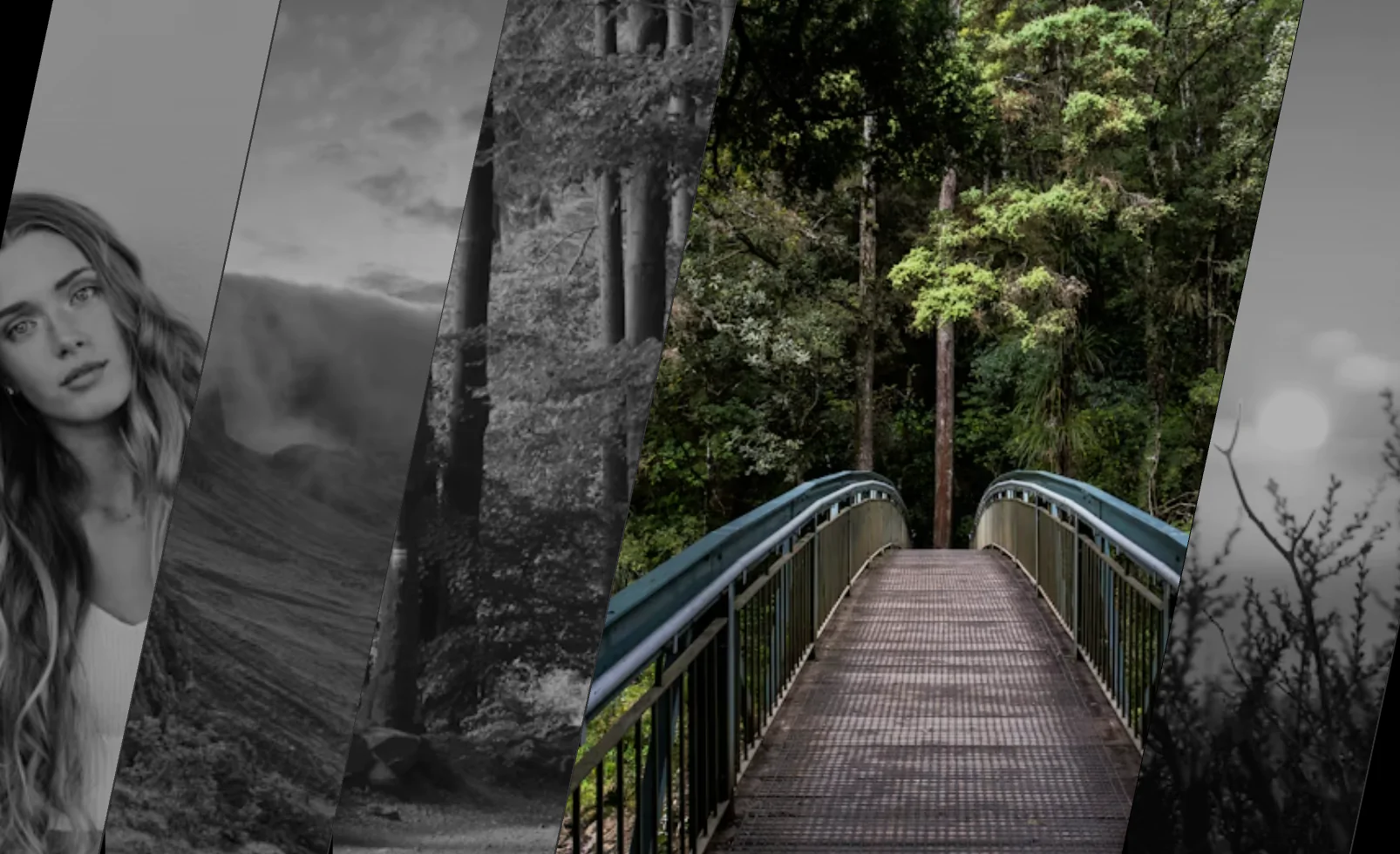
This editorial image loop hero widget is a premium website section built for brands, agencies, creative studios, portfolios, and modern landing pages that want a cleaner version of the oversized type plus floating-image aesthetic. The layout combines a large statement headline, a smaller supporting paragraph, and a streamlined image carousel made from individually editable slide items, making it much easier to manage in a visual customizer. Because each image card is a separate slide inside a dedicated slides container, editors can add, remove, or swap images more easily without breaking the composition or dealing with an overly crowded structure. The section is designed to create a strong visual first impression while keeping the content readable and balanced. A smooth continuous horizontal image motion adds energy across the middle of the layout, while the large display headline creates a bold editorial anchor in the background. The heading and paragraph use different animation timings and motion styles so the text reveal feels more polished and layered. This gives the hero a more advanced presentation than a standard image slider, basic carousel, or static homepage banner. This widget works especially well for creative agency websites, portfolio websites, photography websites, fashion brand websites, music platforms, editorial landing pages, and storytelling-focused business homepages. It supports premium visual branding, modern motion design, immersive homepage layout composition, and strong content hierarchy. From an SEO perspective, the section is useful for placing keyword-rich hero messaging, descriptive supporting copy, visual storytelling content, and brand positioning text into a high-impact above-the-fold layout. It is ideal for users looking for a modern website hero, animated image carousel, editorial portfolio section, creative landing page banner, smooth infinite image slider, or premium homepage design block.
Bring this layout to life on your website in just a few clicks.

Edit visually using the extension or native blocks
First, ensure you have pasted the global Redesignee connector script into your site's Code Injection settings. Once connected, you have two easy ways to build:
Native Block: Simply add the native Redesignee Widget Block directly from the fluid engine editor menu inside Squarespace.
Manual Markdown: Add a standard Markdown Block, paste your widget’s code snippet, and the Redesignee floating "Customize" button will automatically appear right over the block.
Both methods let you tweak settings, copy items, and design visually in real time. Saving your changes syncs the updates instantly to your live page.
See Squarespace installation guide
Connect natively via Gutenberg or Elementor
Make sure you have the free Redesignee WordPress Plugin installed. If you are using Elementor, simply drag and drop the Redesignee widget from your sidebar. If you are using the Gutenberg Block Editor, click the " + " icon and select the Redesignee Block. Launch the Cloud Library directly inside your workspace, choose your customized template, and import it with a single click. It automatically inherits your theme fonts and styles!
WordPress plugin installation guide
Quick copy-and-paste for custom setups
If you are using Webflow, Shopify, Wix, or a custom HTML site, click the "Export Widget" button on this page and ensure the platform selector is set to"HTML". Click "Copy" to copy the clean, un-nested source code snippet directly to your clipboard. Paste this code into any HTML component, Code Block, or Embed tool inside your website builder. All styles, animations, and scripts are self-contained and ready to run.
Published:
May 02, 2026 11:32 AM
Category: